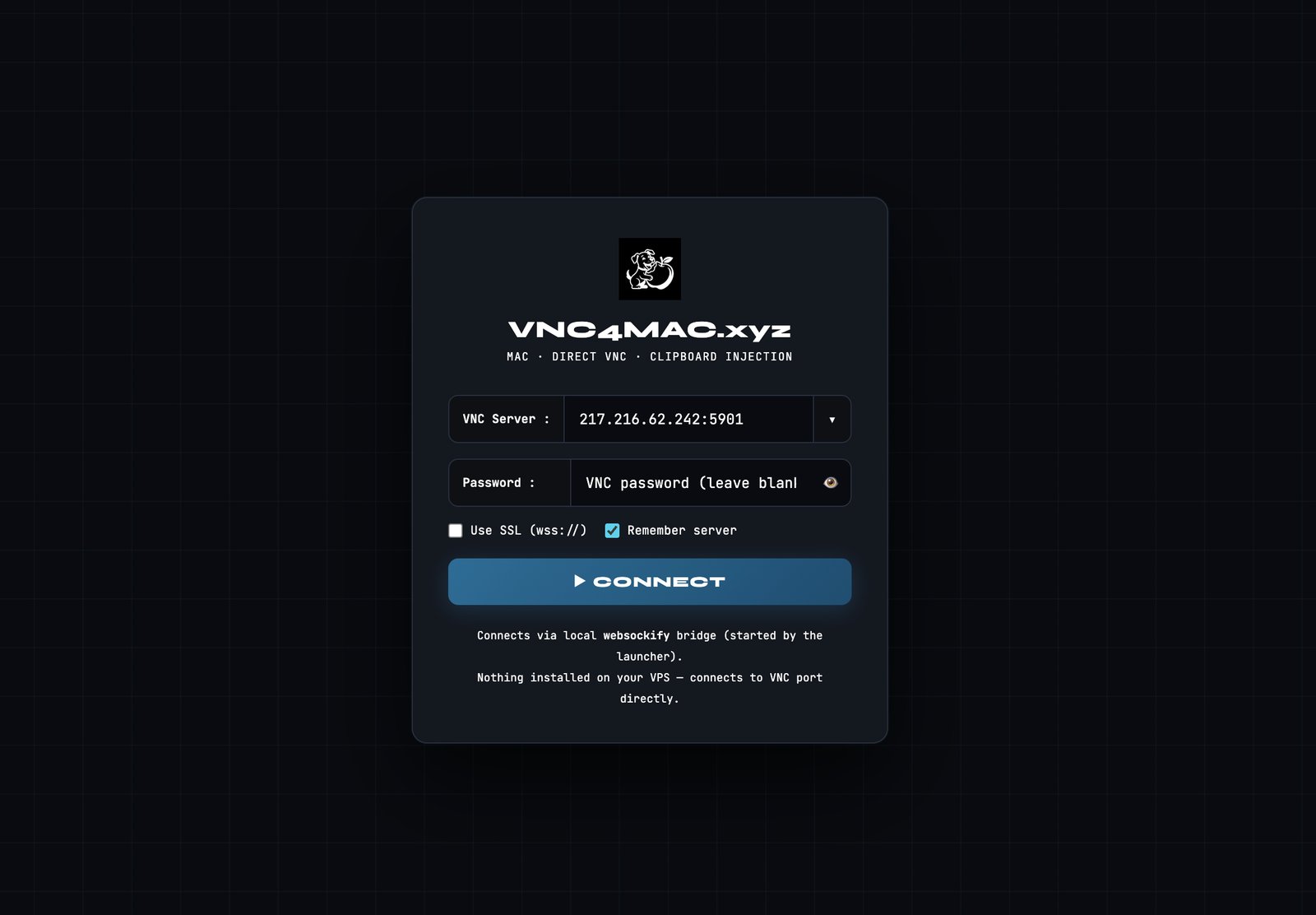
Login to VNC
The connection screen runs on your Mac inside your browser. Start the VNC4MAC.xyz launcher first, then open the link below—it talks to 127.0.0.1, not the public internet.
Before you click
- Install or download the launcher from the Download page.
- Run python3 vnc-portal-v3.py (or your installed command). Keep that terminal window open.
- Use Open VNC portal on the same Mac. If nothing loads, confirm the launcher printed a URL and that port 16901 is not blocked.
Default local URL: http://127.0.0.1:16901/?wsport=16900 — if you started the launcher with custom --http-port or --ws-port, use those values instead.
What you’ll see
Enter your VNC host and port (for example 217.216.62.242:5901), optional password, then connect.